
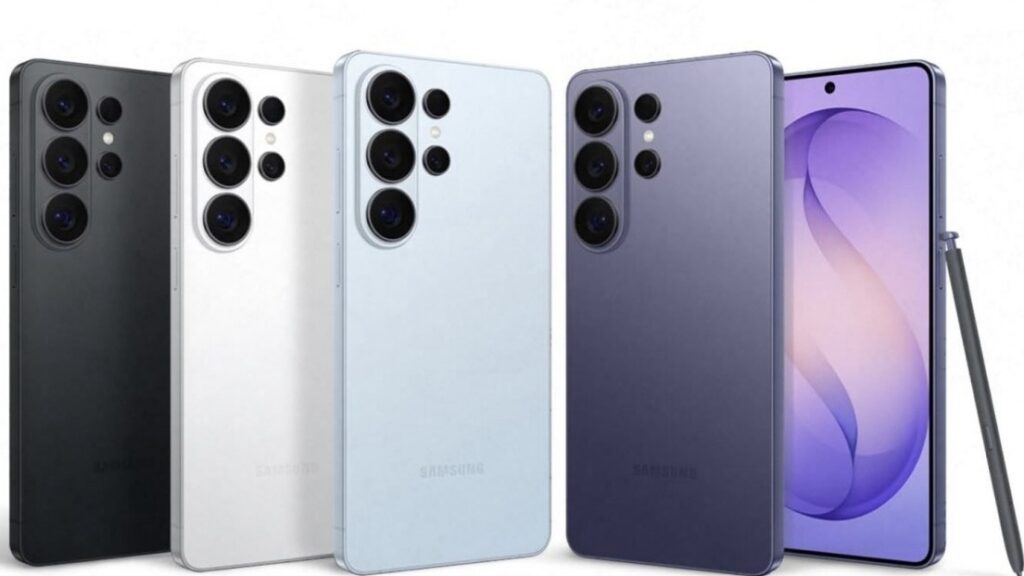
Samsung has integrated a built-in privacy layer into the S26 display technology, aiming to protect content from being read by anyone other than the primary user. Rather than relying on physical screen protectors or software tricks alone, this feature uses both hardware and software in smart ways to safeguard your screen privacy.
🔍 What Privacy Display Actually Is
Traditionally, people used privacy screen protectors — physical films you stick on your phone that narrow viewing angles so someone beside you sees a dark screen. But these always dim brightness, reduce clarity, and make the screen look worse even for the user. Samsung’s approach is very different.
Samsung’s Privacy Display is:
👉 Built into the phone’s hardware and software
👉 Customizable and dynamic
👉 Able to protect only sensitive content, not the entire screen
👉 Different from old physical filters
👉 Does not force a constant dim, like a screen protector
👉 Only restricts side-angle visibility when needed
👉 Maintains brightness and clarity for normal use
In short, it’s privacy you can switch on when needed — not a constant penalty on your display quality.
📱 How It Works (In Practical Terms)
Here’s how the Privacy Display works step by step:
📌 1. Detects What’s On Your Screen
Samsung’s system analyses what you’re viewing — for example, private messages, passwords, notifications, banking apps, etc. It can tell when sensitive info is being displayed. This is aided by One UI 8.5, the software layer that controls the display behavior.
📌 2. Activates Privacy On Demand
You can toggle the feature manually, or you can set conditions like:
Open specific apps (e.g., messaging, banking) Automatically in public locations When certain fields appear (e.g., passwords)
This makes the feature context-aware — it doesn’t have to be “on” all the time.
📌 3. Reduces Viewing Angle for Others
Once privacy mode is engaged:
People beside you see a darkened or blank screen from side angles You — the user — still see everything clearly from straight on In some implementations, only specific parts of the screen go private (like a message bubble), while the rest stays fully visible
📌 4. Works System-Wide
This isn’t just for certain apps — it can hide notifications, quick settings, UI elements — basically any content that the system flags as sensitive.
💡 What Makes It Better Than Old Privacy Screens
Unlike traditional privacy screen protectors that permanently darken your display and reduce clarity from all angles, Samsung’s Privacy Display on the Galaxy S26 works dynamically and intelligently. Instead of applying a constant dim filter, it activates only when needed and can even protect specific sensitive content rather than the entire screen. This means users get full brightness, accurate colors, and a premium viewing experience during normal use, while still enjoying strong side-angle protection in public spaces. It’s smarter, more flexible, and doesn’t compromise everyday usability.
🧠 Hardware Meets Software
Behind the scenes, the Privacy Display isn’t just a software filter — it includes display-level innovations that control light direction. Some leaks suggest Samsung uses advanced display tech like Flex Magic Pixel and pixel-level hardware control to narrow viewing angles only where needed, which is why the privacy effect can be selective and precise.
This fusion of hardware and software means the system is both effective and flexible, not a dumb overlay, but a smart privacy layer.
🛠️ Customization You Control
Samsung seems to allow users to:
Turn privacy on or off manually Set automatic rules Choose specific apps or actions that trigger it Adjust the privacy intensity potentially
This makes it a user-friendly tool, not just a gimmicky feature.
📱 Why It Matters
With phones being used for sensitive things more than ever — banking, work chats, identity details — privacy isn’t a luxury, it’s a necessity. The Privacy Display gives everyday users a second line of defense against people unintentionally seeing what they shouldn’t. It blends privacy protection with convenience, without forcing users to compromise on display quality.
✨ Final Thoughts
Samsung’s Privacy Display on the Galaxy S26 is more than a novelty — it’s a thoughtful answer to a real problem. Instead of blanket solutions that dim your whole screen, Samsung uses intelligent detection and selective shielding to keep your data safe only when needed. Whether you’re reading a message in a café or checking accounts on a train, your content stays yours — visible to you, invisible to others.
Related posts:
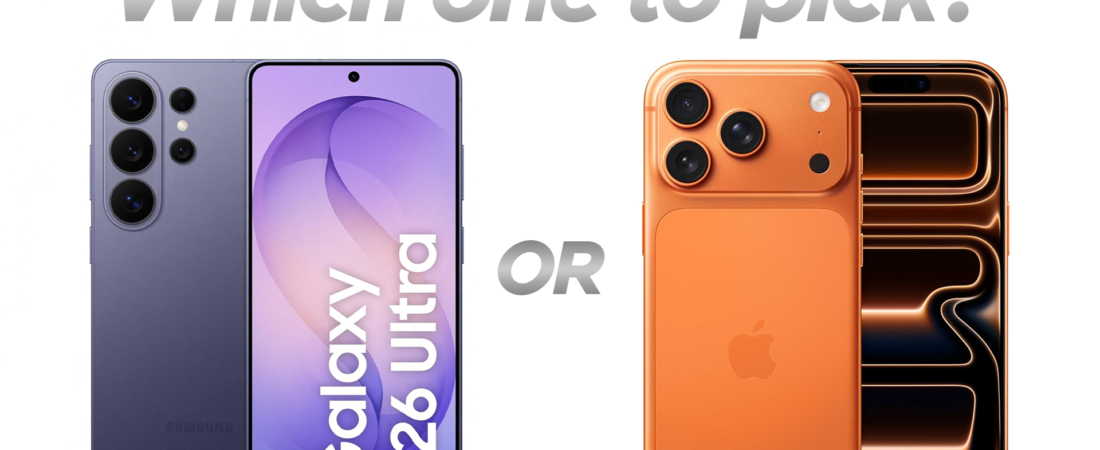 IPhone 17 Pro vs Galaxy S26 Ultra: Which Should You Buy in 2026?
 Galaxy Unpacked 2026: A New Era of AI, Innovation, and Privacy
 The Hidden Galaxy S26 Ultra Features That Actually Matter
 Best Phones Under ₹15,000 in India (February 2026) – Specific Picks & Comparison
 iPhone Storage Full? 10 Powerful Ways to Free Up Space on Your iPhone Fast
 Honor Robot Phone vs iPhone 17 Pro: Innovation vs Perfection
 WiFi That Can See Through Walls? Inside the WiFi-DensePose Technology
 Honor Robot Phone: The Smartphone With a Gimbal 🤯
 MacBook Neo vs MacBook Air 2026 Comparison: Which Apple Laptop Is Worth Buying?
 Best Laptops Under ₹60,000 for Coding (2026)