
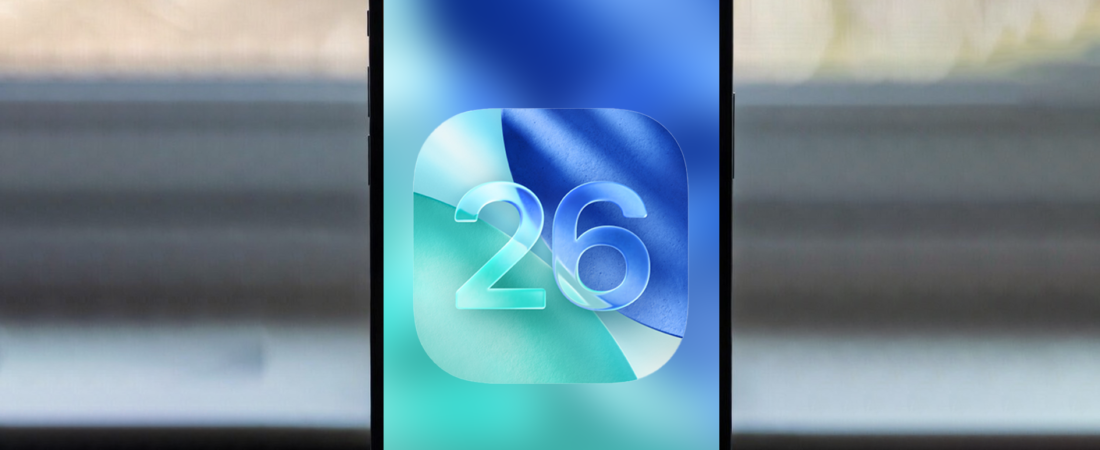
Apple’s iOS 26 brings new features, smarter AI tools, and hidden tricks that most users don’t even notice.
If you’re using an iPhone in 2026, these hacks will help you get more out of it — faster, smarter, and more productive.
Let’s dive in 👇
1️⃣ Use AI to Create Playlists Instantly 🎶
With iOS 26, Apple Music now supports AI-generated playlists.
Hack:
Open Apple Music → Describe the vibe (like “gym motivation” or “late night drive”) → Let AI build the playlist for you.
No more manual searching.
2️⃣ Lock Sensitive Apps Without Third-Party Apps 🔒
iOS 26 improves Stolen Device Protection and biometric security.
Hack:
Go to Settings → Face ID & Passcode → Enable advanced protection to require Face ID for sensitive actions like accessing saved passwords or financial apps.
Extra security. Zero extra apps.
3️⃣ Turn Voice Memos Into Notes Instantly 🎙️
You can now convert voice recordings into text faster.
Hack:
Record a voice memo → Tap transcribe → Copy text directly into Notes or Messages.
Perfect for students, meetings, or content ideas.
4️⃣ Use Audio Zoom in Videos 🎥
Recording in a noisy area?
Hack:
While recording video, enable Audio Zoom to focus the microphone on your subject — reducing background noise.
Great for vlogs or events.
5️⃣ Create Smart Home Lock Screen Widgets 🏠
Customize your Lock Screen with live widgets.
Hack:
Add widgets for weather, battery, calendar, or smart home controls.
You can control lights or check events without unlocking your phone.
6️⃣ Schedule Messages 📩
No more forgetting to send important texts.
Hack:
In Messages → Long press send → Schedule message for later.
Perfect for birthdays, reminders, or professional communication.
7️⃣ Custom Focus Modes for Different Lives 🧘
Focus modes are more powerful in iOS 26.
Hack:
Create separate Focus modes for:
- Work
- Gym
- Study
- Sleep
Each can have custom notifications, apps, and Lock Screens.
8️⃣ Hide Photos Instantly 📸
Private pictures? No problem.
Hack:
Select photos → Tap Hide → Use Face ID to access Hidden album.
You can also lock the Hidden album separately.
9️⃣ Back Tap Shortcut Trick 👆
One of the most underrated features.
Hack:
Settings → Accessibility → Touch → Back Tap
Assign double tap or triple tap to:
- Screenshot
- Open Camera
- Turn on Flashlight
- Launch your favorite app
Feels like a secret button.
🔟 Scan Documents Without Any App 📄
No need for a scanner app.
Hack:
Open Notes → Tap Camera → Scan Document → Auto crop & save as PDF.
Perfect for students and professionals.
Bonus: Speed Boost Trick ⚡
If your iPhone feels slow:
- Turn off Background App Refresh for unnecessary apps
- Clear Safari history
- Restart once a week
Small changes = smoother performance.
Final Thoughts
With iOS 26, your iPhone is more powerful than ever — but most users barely scratch the surface.
Try even 3–4 of these hacks and you’ll instantly feel like a power user.
Related posts:
 iPhone Storage Full? 10 Powerful Ways to Free Up Space on Your iPhone Fast
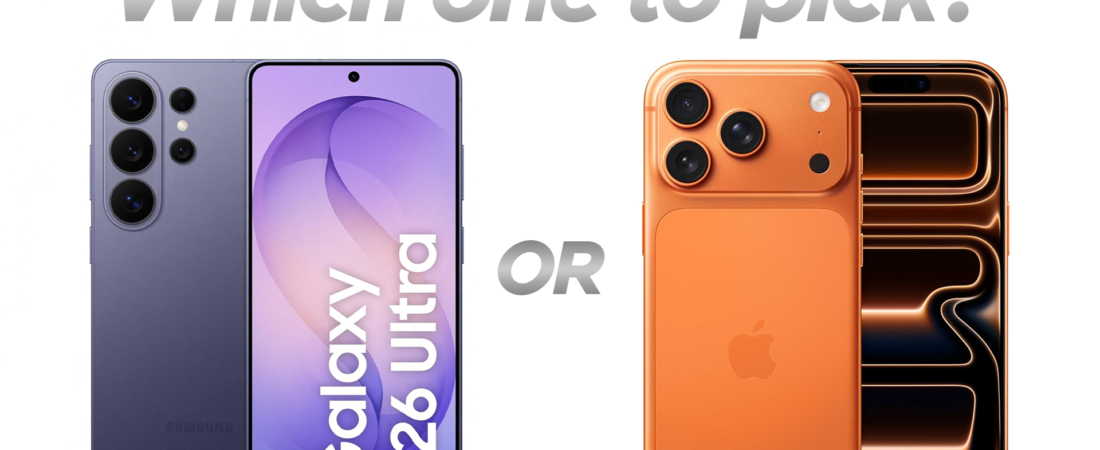 IPhone 17 Pro vs Galaxy S26 Ultra: Which Should You Buy in 2026?
 iPhone 17e: A Masterstroke or Another Failure Like iPhone 16e?
 Apple opens CarPlay to third-party AI chatbots: What it means for drivers and developers
 iPhone 17e: Apple’s Smartest Value Flagship of 2026
 Apple’s iOS 26.4 Beta: What’s New and What to Expect
 Budget MacBook, Budget iPhone and More: What to Expect at Apple’s 4 March Event
 Honor Robot Phone vs iPhone 17 Pro: Innovation vs Perfection
 🍏 Apple’s March 2026 Launch: iPhone 17e, M4 iPad Air and M5 Macs Take Center Stage
 MacBook Neo Is Here: Apple’s Most Exciting Budget Laptop of 2026