
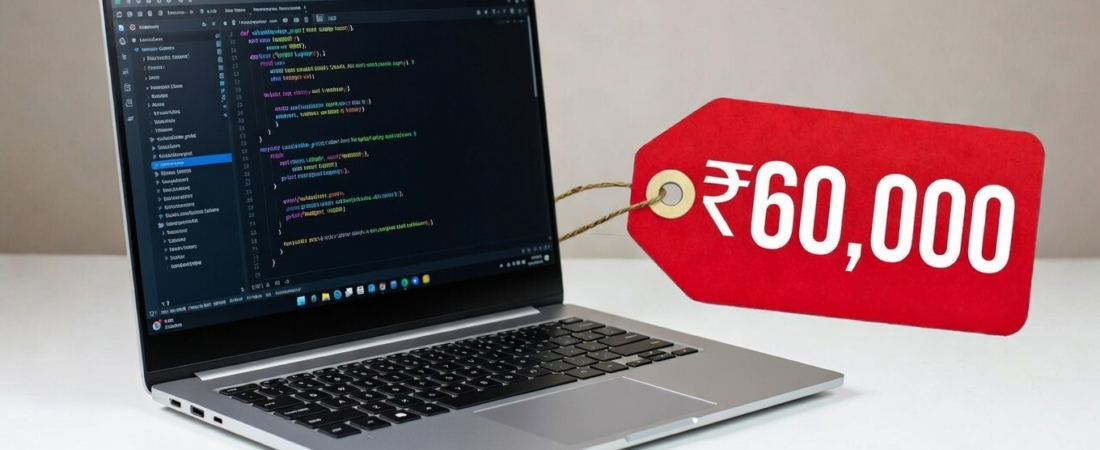
If you’re searching for the best laptops under ₹60,000 for coding in 2026, you don’t need a high-end gaming machine to write clean code, run IDEs smoothly, or manage multiple browser tabs. What you really need is a balanced laptop with a strong processor, at least 8GB RAM (preferably 16GB), fast SSD storage, and a comfortable display.
In this guide, we’ll break down the top laptops under ₹60,000 available on Amazon India that are ideal for programming, web development, app development, and even light machine learning tasks. We’ll also include detailed specs like RAM, processor, GPU, SSD, display, and battery life for each.
What to Look for in a Coding Laptop Under ₹60,000
Before jumping into the list, here’s what matters most for developers:
- Processor: Minimum Intel Core i5 / AMD Ryzen 5 recommended
- RAM: 8GB minimum, 16GB ideal
- Storage: 512GB SSD preferred
- Display: Full HD (1920×1080) for better readability
- Battery: 6+ hours for portability
- Keyboard: Comfortable typing experience
Now let’s explore the best options.
1. Lenovo IdeaPad Slim 3 (Ryzen 5 5625U)
The Lenovo IdeaPad Slim 3 is one of the most reliable coding laptops in this budget.
Key Specifications:
- Processor: AMD Ryzen 5 5625U
- RAM: 8GB (expandable in some variants)
- GPU: Integrated AMD Radeon Graphics
- Storage: 512GB NVMe SSD
- Display: 15.6-inch Full HD (Anti-glare)
- Battery: Up to 8–10 hours
Why It’s Good for Coding:
The Ryzen 5 5625U offers strong multi-core performance, making it excellent for running IDEs like VS Code, Android Studio, and IntelliJ. The large 15.6-inch display is perfect for split-screen coding.
Best for: Students and full-stack developers.

Lenovo IdeaPad Slim 3 12th Gen Intel Core Laptop (Integrated Graphics, FHD Display, Windows 11, Model: 82XM00QDIN)
As an Amazon Associate, Navyukt earns from qualifying purchases.
2. ASUS Vivobook Go 15 (Ryzen 5 7520U, 16GB RAM)
If multitasking is your priority, this laptop stands out.
Key Specifications:
- Processor: AMD Ryzen 5 7520U
- RAM: 16GB DDR5
- GPU: Integrated Radeon Graphics
- Storage: 512GB SSD
- Display: 15.6-inch Full HD
- Battery: 5–6 hours
Why It’s Good for Coding:
16GB RAM at this price is a major advantage. You can run Docker containers, browsers with 20+ tabs, and IDEs simultaneously without lag.
Best for: Heavy multitaskers and backend developers.
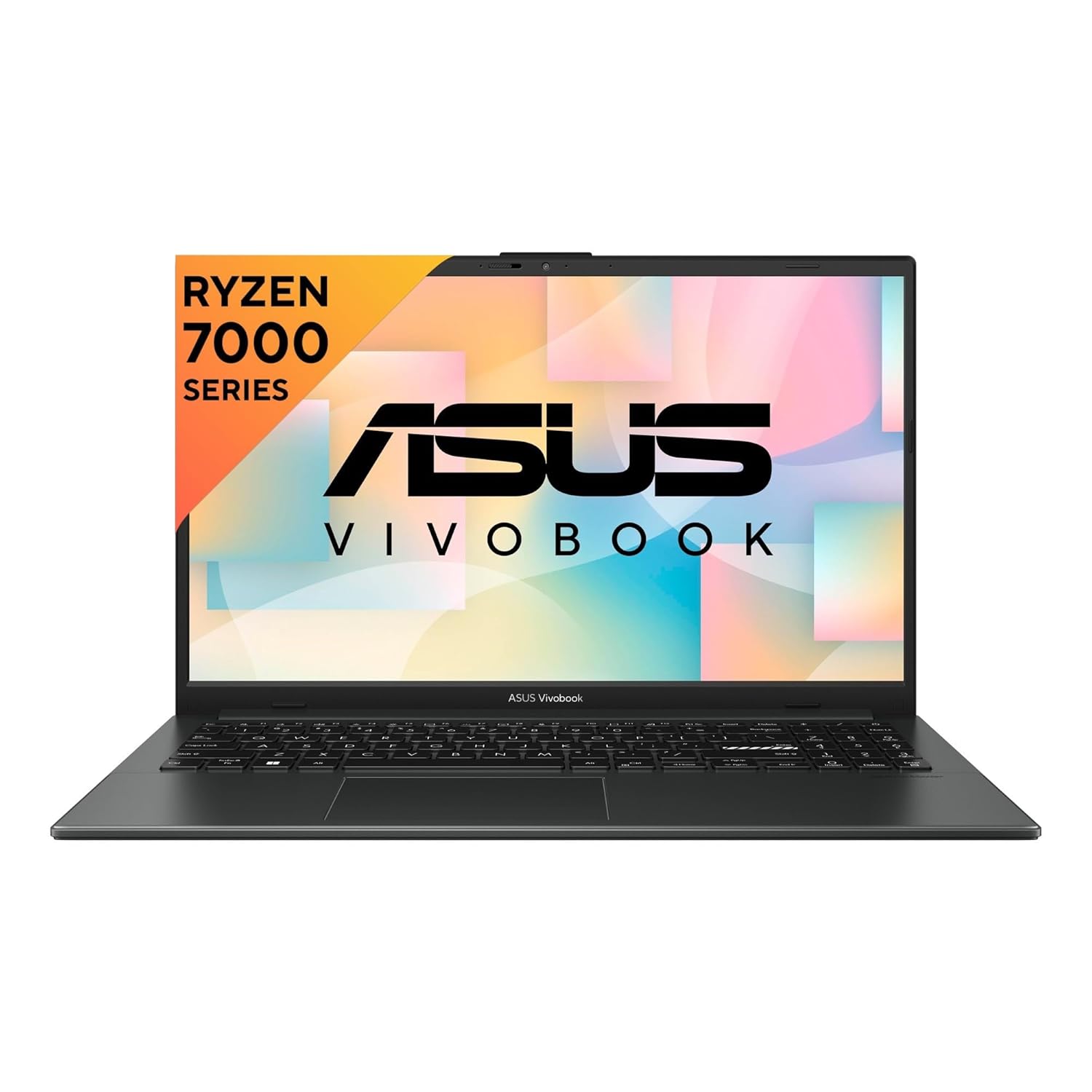
ASUS Vivobook Go 15 Laptop (AMD Ryzen 5 7520U, 16GB RAM, 512GB SSD, Windows 11, E1504FA-NJ1505WS)
As an Amazon Associate, Navyukt earns from qualifying purchases.
3. ASUS Vivobook Go 14 (Ryzen 5 7520U, 16GB RAM)
A more portable version of the 15-inch model.
Key Specifications:
- Processor: AMD Ryzen 5 7520U
- RAM: 16GB LPDDR5
- GPU: Integrated Radeon Graphics
- Storage: 512GB NVMe SSD
- Display: 14-inch Full HD
- Battery: Around 6 hours
Why It’s Good for Coding:
Compact and lightweight, perfect for college students or professionals who travel. The 16GB RAM ensures smooth performance.
Best for: Portable coding machine.

ASUS Vivobook Go 14 (2023), AMD Ryzen 5 7520U, 14″ FHD Thin & Light Laptop (8GB RAM/512GB SSD/Windows 11/Office 2021/Alexa-built-in/Mixed Black), E1404FA-NK522WS
As an Amazon Associate, Navyukt earns from qualifying purchases.
4. Lenovo IdeaPad Slim 3i (13th Gen Intel)
If you prefer Intel processors, this is a solid pick.
Key Specifications:
- Processor: Intel 13th Gen Core i3/i5 (variant dependent)
- RAM: 8GB
- GPU: Intel Integrated Graphics
- Storage: 512GB SSD
- Display: 14-inch Full HD
- Battery: 7–9 hours
Why It’s Good for Coding:
Intel 13th Gen processors offer improved efficiency and strong single-core performance, ideal for compiling code quickly.
Best for: Web developers and Python programmers.

Lenovo IdeaPad Laptop (Intel Core i3-1315U, 8GB RAM, 512GB SSD, Windows 11, Model 82X700HMIN)
As an Amazon Associate, Navyukt earns from qualifying purchases.
5. MSI Modern 14 (Intel Core i5 12th Gen)
A stylish and performance-focused option.
Key Specifications:
- Processor: Intel Core i5-1235U
- RAM: 8GB DDR5
- GPU: Intel Iris Xe Graphics
- Storage: 512GB NVMe SSD
- Display: 14-inch Full HD IPS
- Battery: 6–7 hours
Why It’s Good for Coding:
The 10-core Intel i5 handles multitasking well. Great for coding plus light creative work.
Best for: Developers who also do light design or editing.

MSI Modern 14 Laptop (Intel Core i5-1235U, 14″ FHD Display, Windows 11, Integrated Graphics, Model C12MO-1400IN)
As an Amazon Associate, Navyukt earns from qualifying purchases.
6. Samsung Galaxy Book2 (Intel Core i5)
A premium-feel laptop that often drops under ₹60,000 during sales.
Key Specifications:
- Processor: Intel Core i5-1235U
- RAM: 8GB LPDDR4x
- GPU: Intel Iris Xe Graphics
- Storage: 512GB NVMe SSD
- Display: 15.6-inch Full HD
- Battery: Up to 10+ hours
Why It’s Good for Coding:
Long battery life and a clean design make it excellent for long coding sessions.
Best for: Developers who work remotely.

Samsung Galaxy Book2 15.6″ Laptop (Intel Core i5, Windows, Backlit Keyboard, NP750XED-KC1IN)
As an Amazon Associate, Navyukt earns from qualifying purchases.
Comparison Chart: Best Coding Laptops Under ₹60,000
| Laptop | Processor | RAM | Storage | Display | Battery |
|---|---|---|---|---|---|
| IdeaPad Slim 3 | Ryzen 5 5625U | 8GB | 512GB SSD | 15.6″ FHD | 8–10 hrs |
| Vivobook Go 15 | Ryzen 5 7520U | 16GB | 512GB SSD | 15.6″ FHD | 5–6 hrs |
| Vivobook Go 14 | Ryzen 5 7520U | 16GB | 512GB SSD | 14″ FHD | 6 hrs |
| Slim 3i | Intel 13th Gen | 8GB | 512GB SSD | 14″ FHD | 7–9 hrs |
| MSI Modern 14 | i5-1235U | 8GB | 512GB SSD | 14″ FHD | 6–7 hrs |
| Galaxy Book2 | i5-1235U | 8GB | 512GB SSD | 15.6″ FHD | 10+ hrs |
Which Laptop Should You Choose?
- Best Overall: ASUS Vivobook Go 15 (16GB RAM)
- Best Budget Pick: Lenovo IdeaPad Slim 3
- Best Portable Option: ASUS Vivobook Go 14
- Best Battery Life: Samsung Galaxy Book2
- Best Intel Option: MSI Modern 14
FAQ – Best Laptops Under ₹60,000 for Coding
1. Is 8GB RAM enough for coding in 2026?
Yes, for basic web development and programming. However, 16GB is recommended for heavy multitasking and Android development.
2. Do I need a dedicated GPU for coding?
No. Integrated graphics are sufficient unless you’re doing game development or machine learning.
3. Which processor is better for programming – Ryzen 5 or Intel i5?
Both are excellent. Ryzen 5 usually offers better multi-core performance, while Intel i5 provides strong single-core performance.
4. Is SSD necessary for coding?
Absolutely. SSD dramatically improves boot time, build speed, and overall responsiveness.
5. Can I upgrade RAM later?
Some models allow RAM upgrades. Always check whether the RAM is soldered before purchasing.
Related posts:
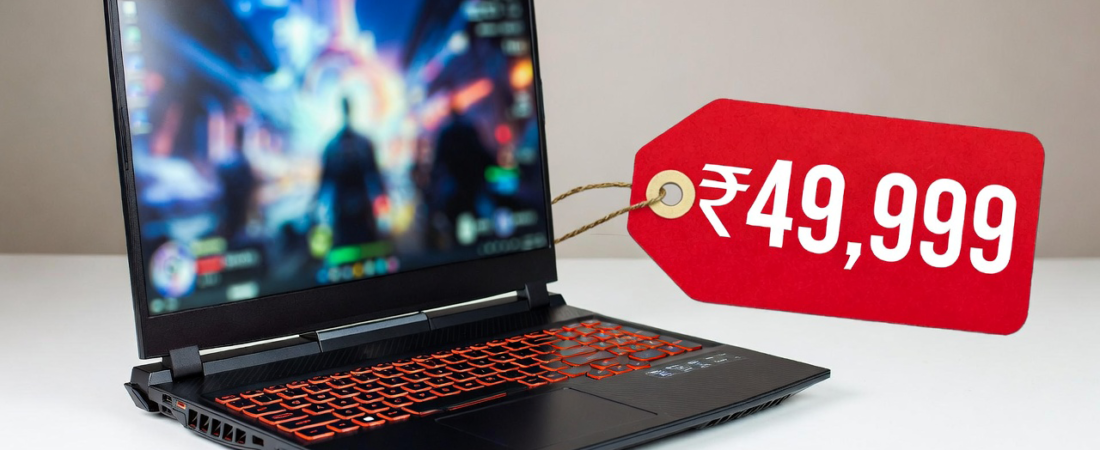 Top 5 Gaming Laptops Under ₹50,000 (2026 Edition)
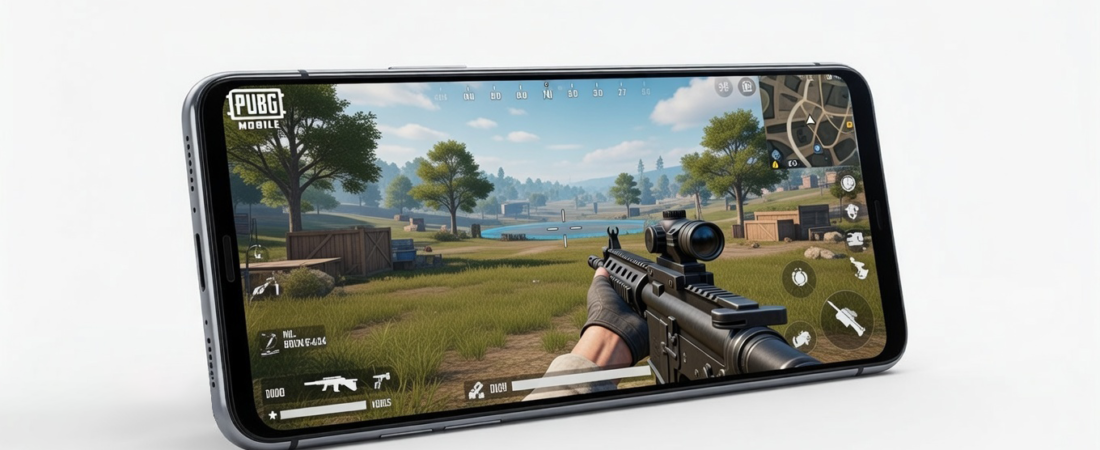 🔥 Top 5 Phones Under ₹20,000 for Gaming in 2026
 Best Phones Under ₹15,000 in India (February 2026) – Specific Picks & Comparison
 MacBook Neo vs MacBook Air 2026 Comparison: Which Apple Laptop Is Worth Buying?
 Budget Tricks to Make Your Laptop a Powerful Gaming Machine
 5 Useful Gadgets You Should Try in 2026
 IPhone 17 Pro vs Galaxy S26 Ultra: Which Should You Buy in 2026?
 MacBook Neo Is Here: Apple’s Most Exciting Budget Laptop of 2026
 iPhone Storage Full? 10 Powerful Ways to Free Up Space on Your iPhone Fast
 Will SSD and RAM Prices Come Back to Normal? Full Market Breakdown