
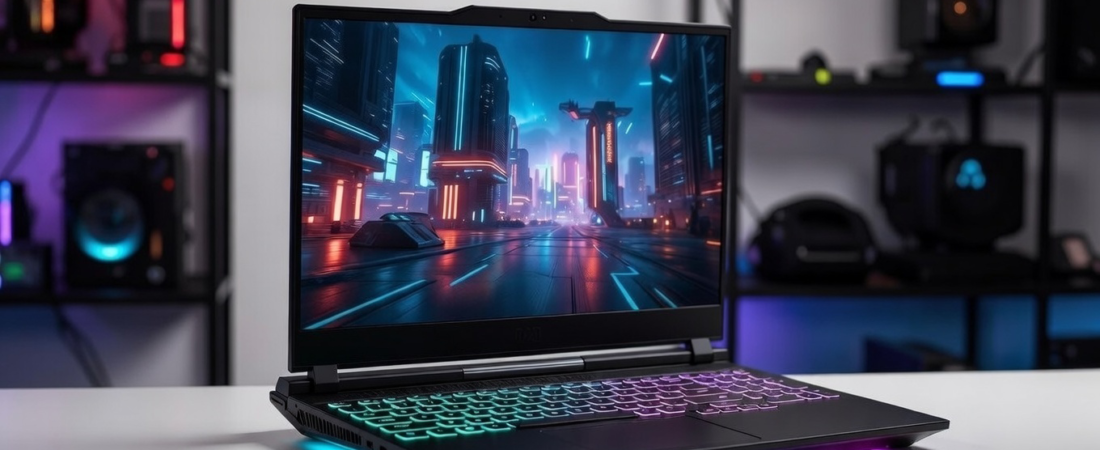
Budget Tricks to Make Your Laptop a Powerful Gaming Machine is a practical guide for anyone who wants to enjoy smoother, faster, and more immersive gaming on their existing laptop. You don’t need to buy an expensive gaming laptop — with a few smart tweaks, affordable accessories, and simple upgrades, even a regular laptop can feel like a gaming machine.
In this blog, we’ll cover practical tips, budget upgrades, and tricks that will help boost your laptop for gaming in 2026 without burning a hole in your pocket.
Optimize Your Laptop Settings
Before spending any money, you can get the most out of your current laptop.
1. Update Drivers and Games
Keep your graphics drivers (Intel, AMD, or NVIDIA) up to date. Updating your games also improves performance since patches often optimize gameplay.
2. Turn On Game Mode (Windows)
Windows Game Mode prioritizes system resources for gaming. Go to Settings > Gaming > Game Mode and enable it.
3. Adjust In-Game Graphics Settings
Lower settings like shadows, texture quality, and anti-aliasing to improve FPS while keeping visuals smooth.
Keep Your Laptop Cool
Heat reduces performance and can cause stuttering.
4. Use a Cooling Pad
A budget cooling pad increases airflow and helps maintain optimal laptop temperatures during long gaming sessions.
5. Elevate Your Laptop
Even a simple stand or objects under your laptop improve airflow and reduce overheating.
Speed Up Your Laptop
Faster storage helps with load times and smoother gameplay.
6. Upgrade to an SSD
Switching from an HDD to a 512GB or 1TB SSD improves game load times, boot speed, and overall responsiveness.
Better Controls for Gaming
Comfortable controls improve gameplay experience.
7. Add a Gaming Controller
Affordable Bluetooth controllers work with most PC games and are especially helpful for racing, fighting, or platform games.
8. Use a Gaming Mouse
A budget mouse with adjustable DPI improves precision in FPS and MOBA games.
Improve Your Connection
Online gaming is smoother with stable connectivity.
9. Use a USB-C Hub With Ethernet
A wired connection reduces lag compared to Wi-Fi and provides more reliable gameplay.
10. Prioritize Gaming Traffic
Routers with QoS settings can prioritize gaming packets for better ping and stability.
Enhance Audio and Display
Better audio and visuals make gaming more immersive.
11. Use a Headset or Speakers
A budget headset or external speakers provide clear audio for in-game footsteps, effects, and dialogue.
12. Adjust Display Settings
Maximize your refresh rate and adjust brightness or color for sharper visuals.
Optional Advanced Tips
13. Light Overclocking
Experienced users can overclock CPU or GPU using software like MSI Afterburner. Always monitor temperatures to avoid overheating.
14. Monitor System Resources
Use Task Manager or HWMonitor to track CPU, GPU, and RAM usage for better optimization.
15. Close Background Apps
Free up RAM and CPU by closing unnecessary apps before starting your game.
Final Thoughts
With these tips, you can boost your laptop for gaming without spending much money. Small upgrades like SSDs and cooling pads, smart software tweaks, and budget accessories can make gaming smoother, faster, and much more enjoyable — even on a regular laptop.
Related posts:
 🔥 Top 5 Phones Under ₹20,000 for Gaming in 2026
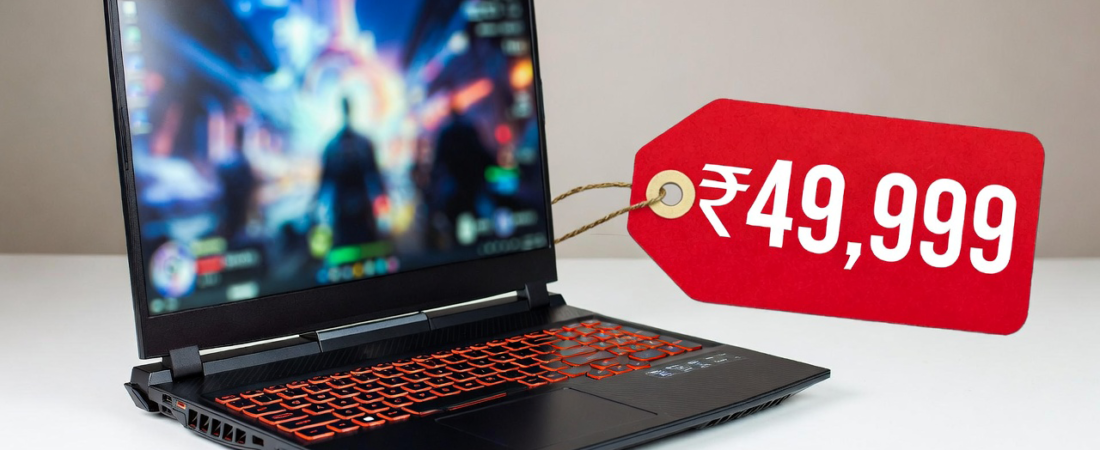 Top 5 Gaming Laptops Under ₹50,000 (2026 Edition)
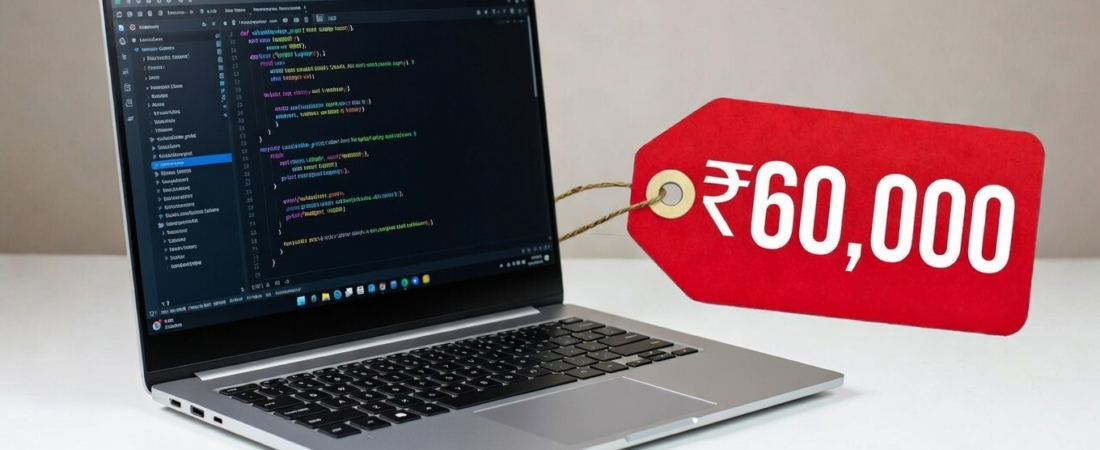 Best Laptops Under ₹60,000 for Coding (2026)
 MacBook Neo Is Here: Apple’s Most Exciting Budget Laptop of 2026
 Budget MacBook, Budget iPhone and More: What to Expect at Apple’s 4 March Event
 New Mac Studio M5 Ultra 2026: Apple’s Most Powerful Desktop Yet
 iPhone Storage Full? 10 Powerful Ways to Free Up Space on Your iPhone Fast
 MacBook Neo vs MacBook Air 2026 Comparison: Which Apple Laptop Is Worth Buying?
 5 Useful Gadgets You Should Try in 2026
 Best iPhone Hacks 2026 (iOS 26 Edition) 🔥📱